

Account
Switch between light and dark mode
Choose whether Pitchcrow shows light or dark colors.
Pitchcrow starts in dark mode.
-
Click your name at the bottom of the left sidebar.
-
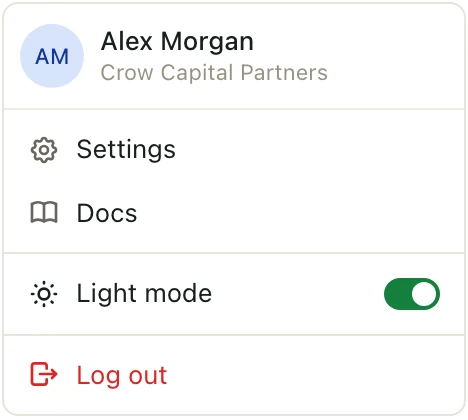
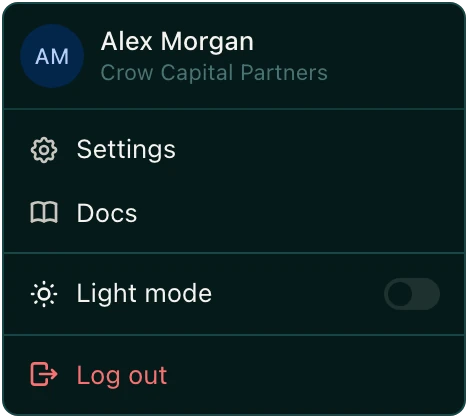
Turn on Light mode to switch to light colors. Turn it off to go back to dark.
Good to know
- Pitchcrow remembers your choice on this computer, in this web browser. If you use another computer or browser, switch it there too.