

Organization
Change your organization's name or logo
Update the firm name and logo that everyone in your organization shares.
-
Click your name at the bottom of the left sidebar, then Settings.
-
Under Organization, click General.
-
To change the logo, click Upload next to Logo, then pick a PNG or JPG image. It saves right away.
-
To change the name, type the new name in Name, then click Save.
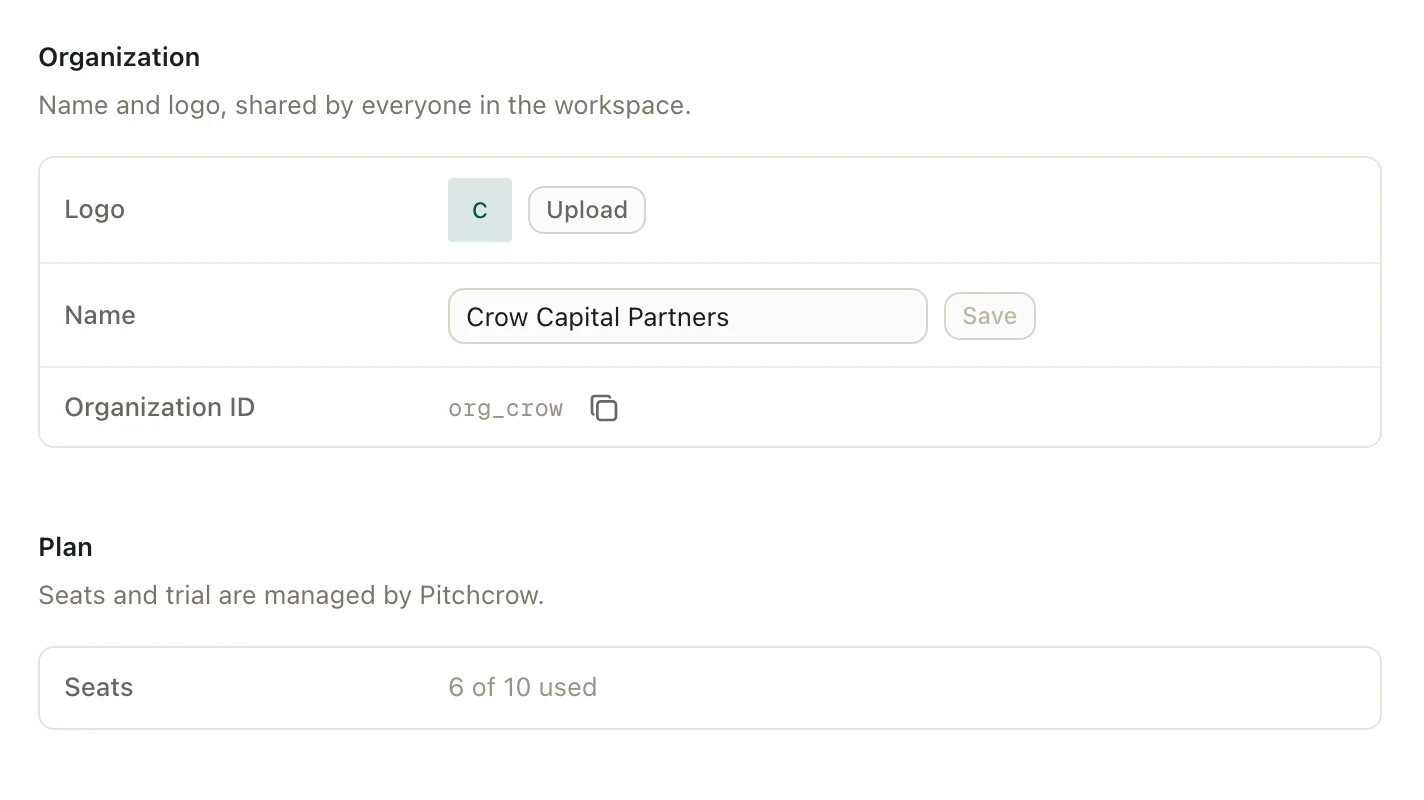
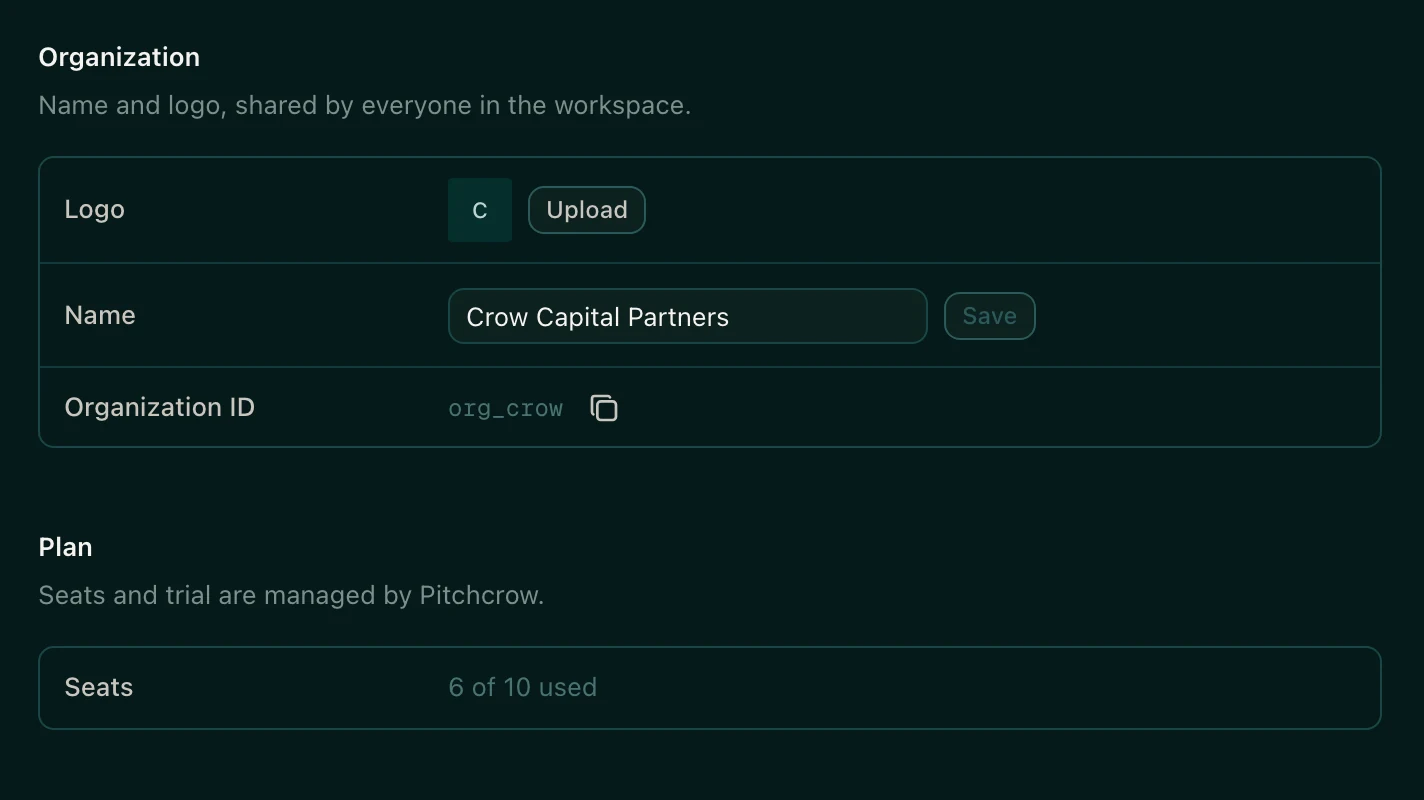
To take the logo off, click Remove next to Logo.
The organization name also shows under your own name at the bottom of the left sidebar.
Good to know
- Only organization admins can change the name or logo. Everyone else can see them but can't edit them.
- You don't need to resize your logo first. Pitchcrow shrinks large images for you.