

Organization
How many people can I invite?
See how many seats your organization has, what uses them up, and how to get more.
Your organization has a set number of seats. Each person in your organization uses one seat. So does each invitation that hasn't been accepted yet.
See how many seats you have left
-
Click your name at the bottom of the left sidebar, then Settings.
-
Under Organization, click General.
-
Look at Seats under Plan. It shows how many seats are in use out of your total, like "4 of 6 used".
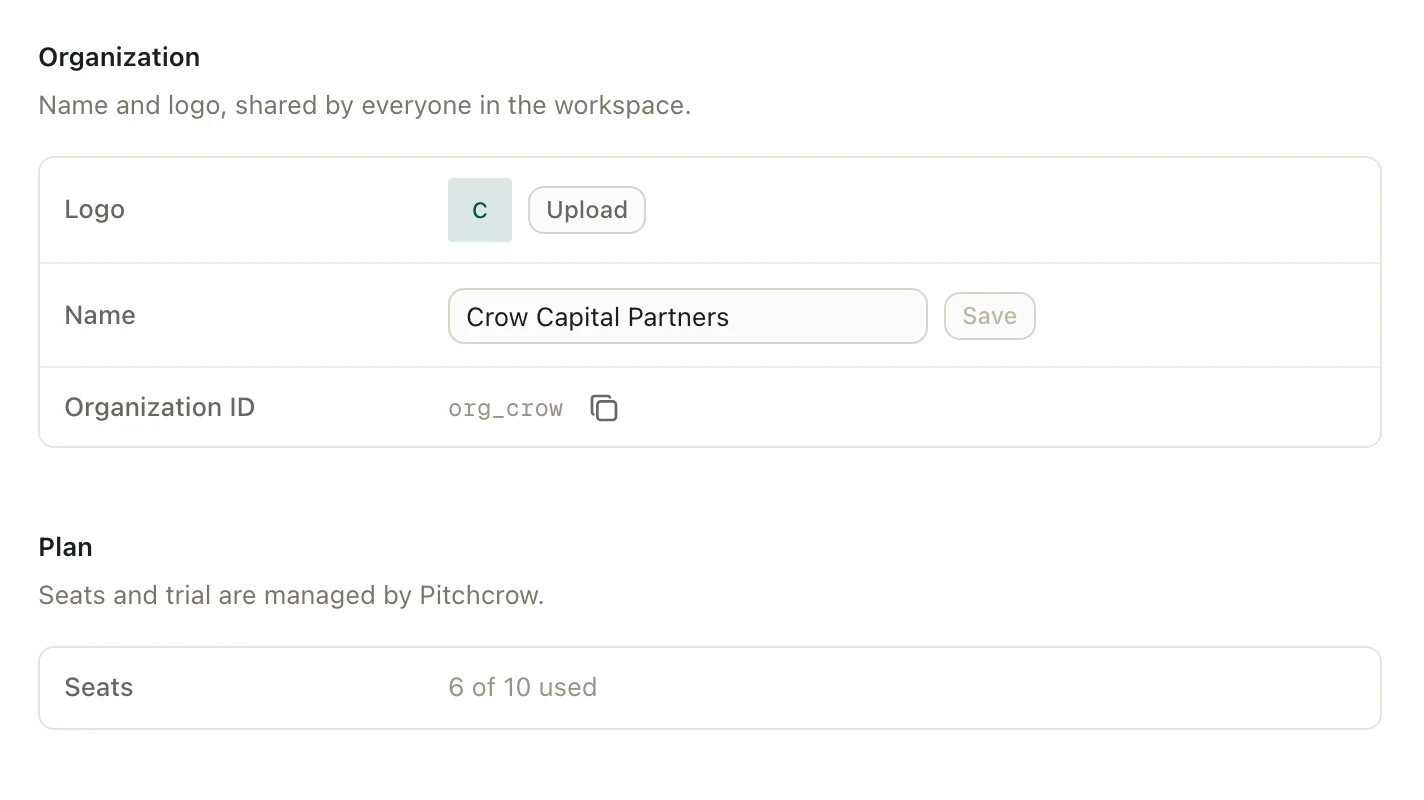
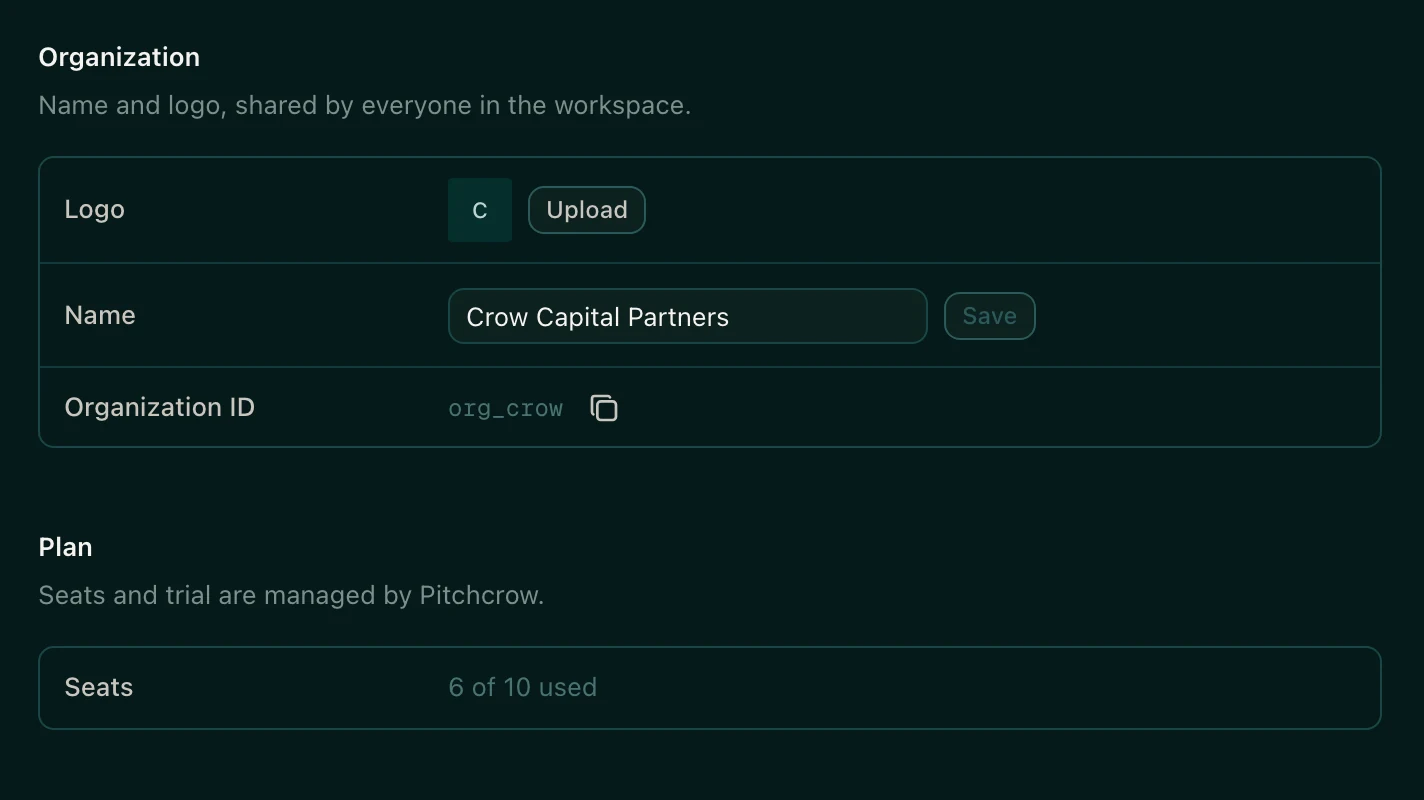
Admins also see the number of seats left above Invite on the Members page.
Free up a seat
- Cancel an invitation nobody needs anymore. See Resend or cancel an invitation.
- Remove a member who no longer needs Pitchcrow.
An invitation that isn't accepted within 7 days runs out. After that, it stops using a seat.
Get more seats
Pitchcrow sets how many seats your organization has. To get more, contact your Pitchcrow representative.
Good to know
- When every seat is in use, you can't send new invitations until one frees up.
- Anyone in your organization can see the seat count. Only organization admins can invite people.
- If your firm is on a trial, Trial ends under Plan shows the last day. See My trial ended. What now?