

Where to use Pitchcrow
Chat with Pitchcrow from Home, or from the Chat tab inside any deck or sheet.
You can talk to Pitchcrow in three places. It works the same way in each: type what you need and press Enter.
On Home
Use Home to start new work, like a CIM or a model built from a space's files.
-
Click Home in the left sidebar.
-
Under the message box, check which space Pitchcrow will work in. To pick a different one, click the space name.
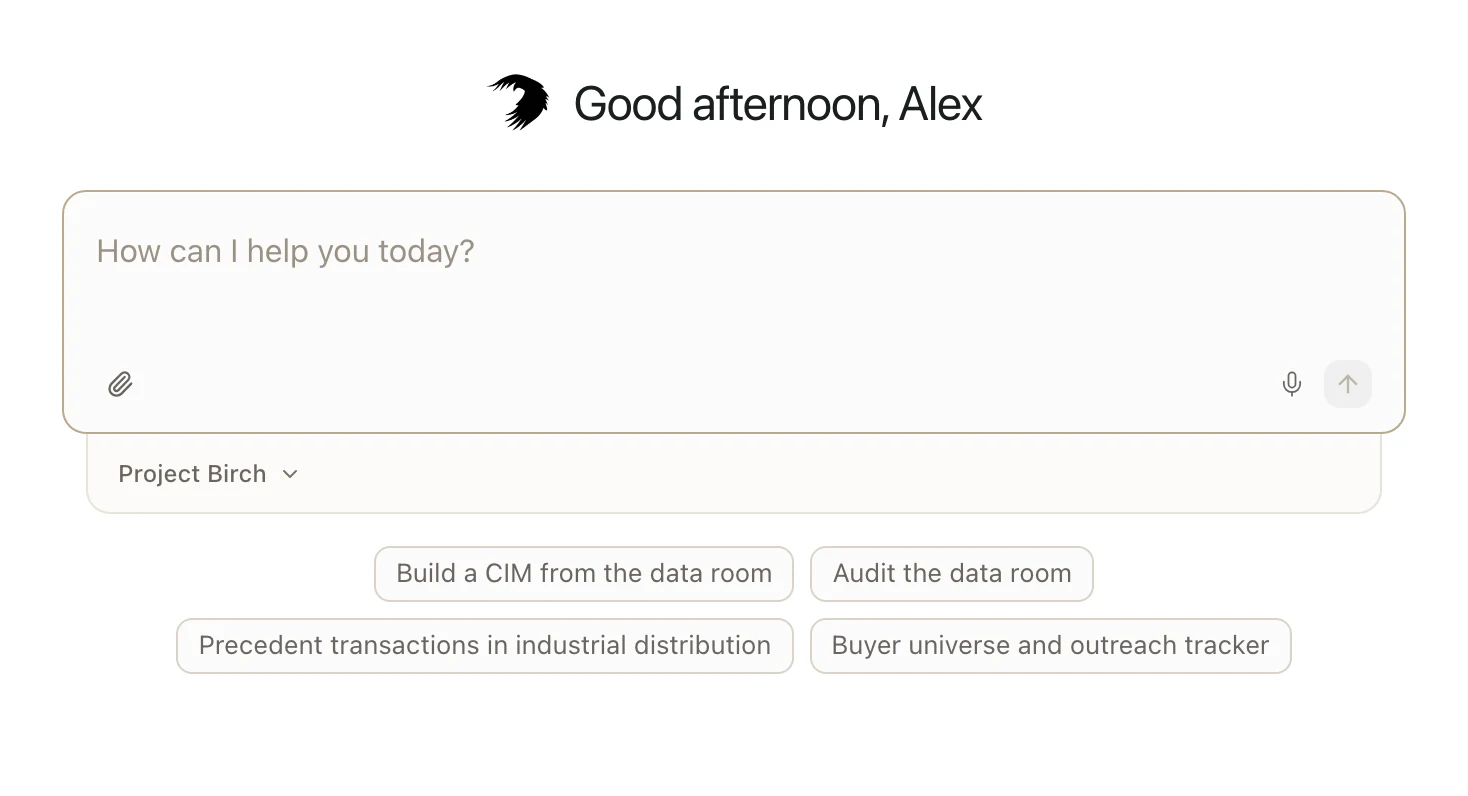
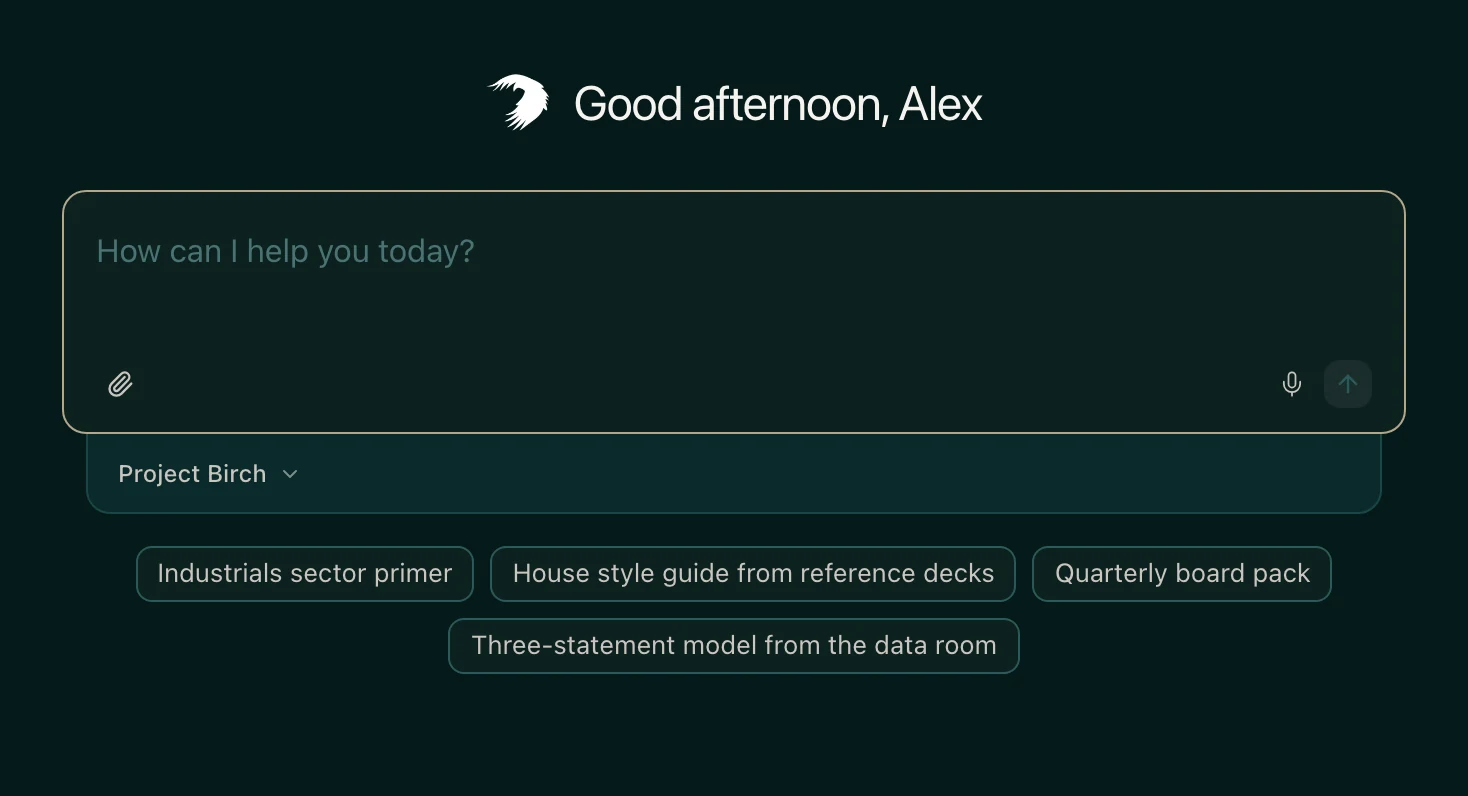
-
Type your request and press Enter.
The decks and sheets Pitchcrow makes are saved in that space. They also show in the panel on the right of the chat, so you can open them from there.
Your past Home chats are listed on the left. To start a new one, click New chat, or press CommandShiftOCtrlShiftO.
In a deck
Open the deck and click Chat in the panel on the right.
Pitchcrow knows which slide you're on and what you've selected. So you can say "make this a bar chart" or "tighten the text on this slide," and it knows what you mean.
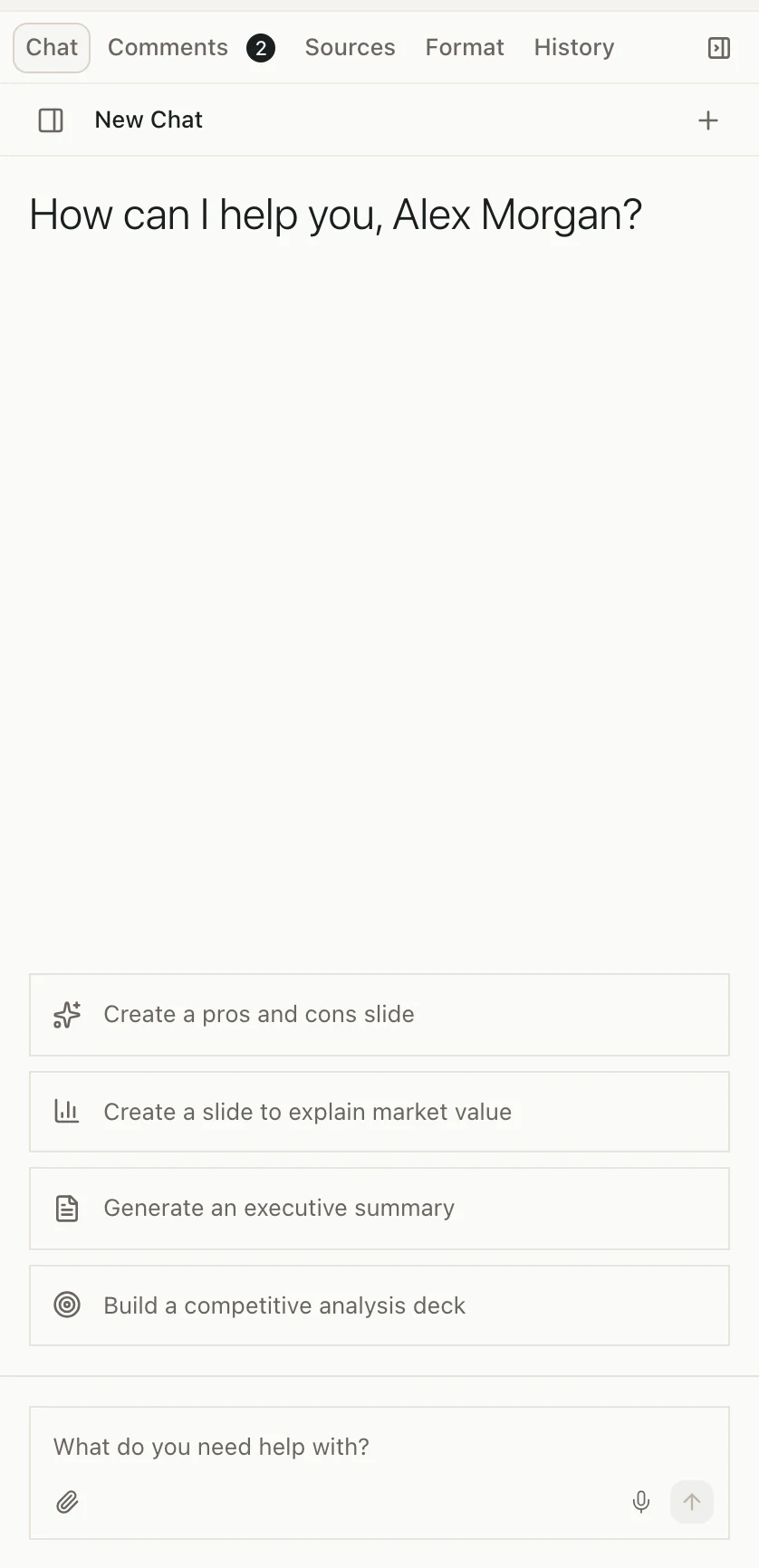
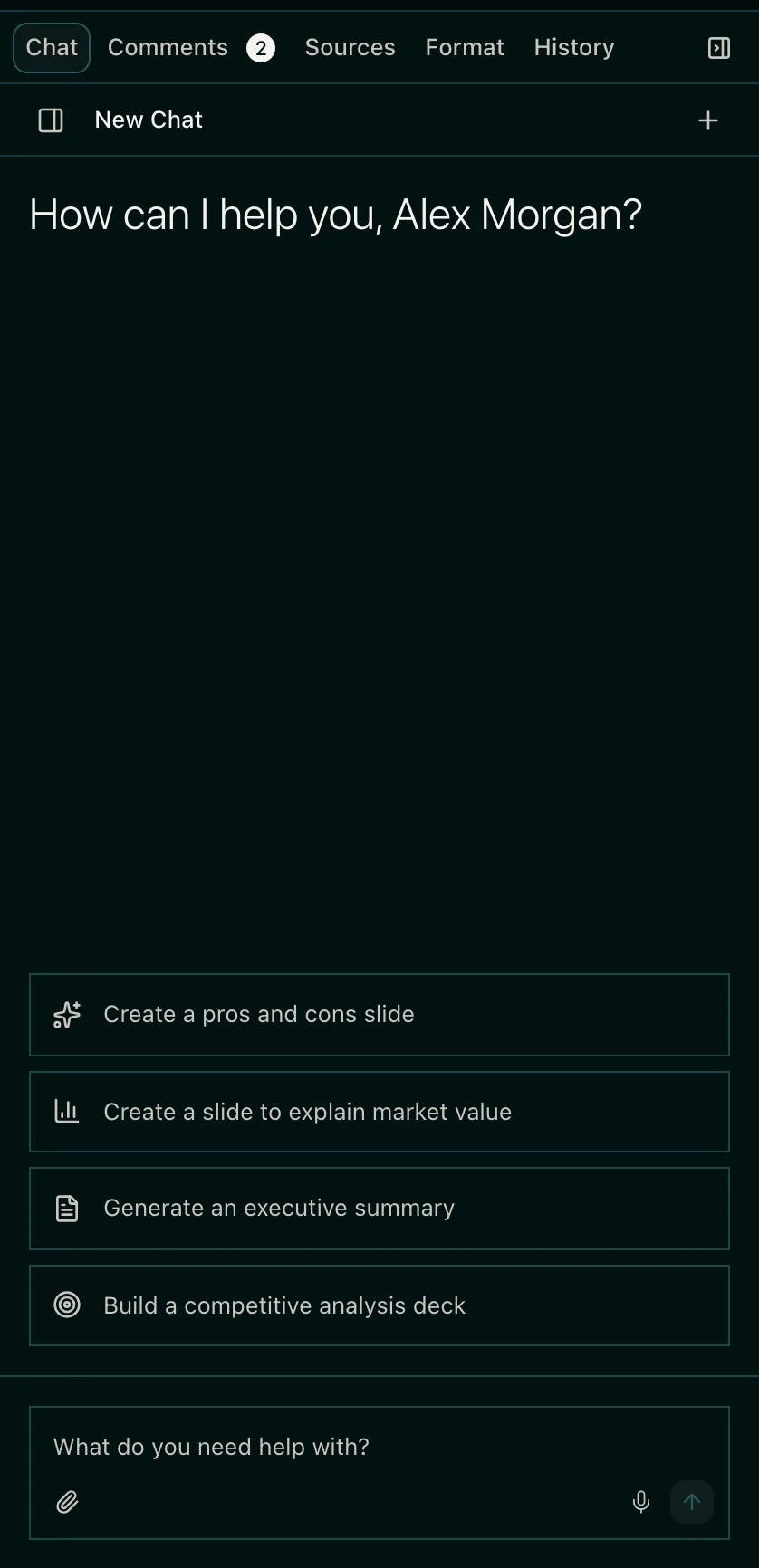
In a sheet
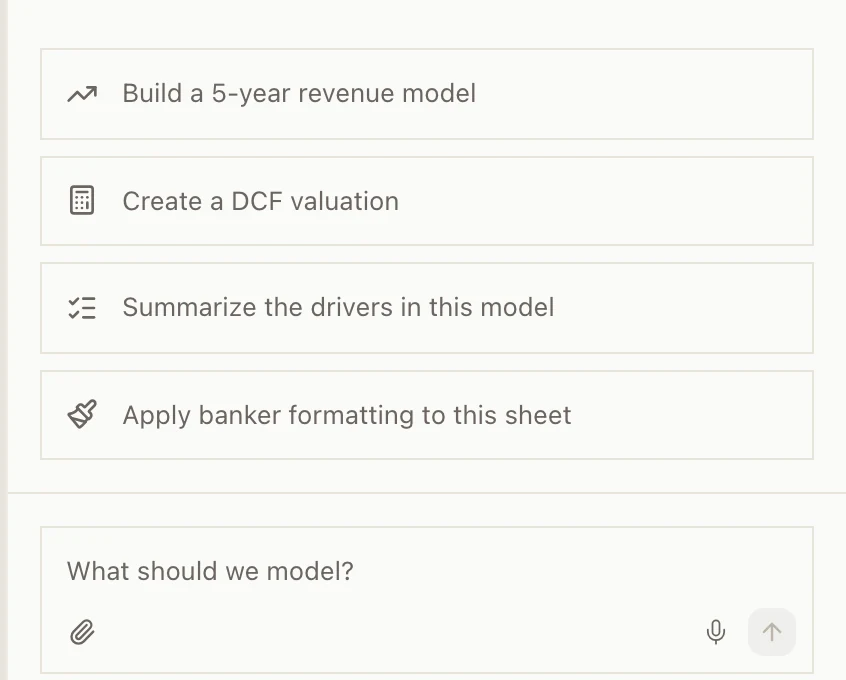
Open the sheet and click Chat in the panel on the right.
Pitchcrow knows which tab you're on and which cells you've selected. So you can say "make these percents" or "add a DCF tab," and it knows where you mean.
Earlier chats in a deck or sheet
At the top of the Chat tab, click Show sessions to see earlier chats, or New session to start a new one.
What Pitchcrow can use
- The files, decks, and sheets in the space.
- Files you attach to your message. See Attach files to a request.
- Decks in your firm-wide spaces, to match your house style. See Make decks match your firm's style.
- The web. It can search and open public pages, like company filings and press releases.
Pitchcrow isn't connected to paid data services like CapIQ, FactSet, or PitchBook. If you need numbers from one, export them and upload the file or attach it.
Good to know
- You need to be an Admin or Editor of the space. Viewers can't use chat. See Space roles.
- Home only lists spaces you can edit. Firm-wide spaces like Templates aren't in the list.
- After your first message, a Home chat stays in that space. To work in a different space, start a new chat.
- You can't send a new message while Pitchcrow works. Wait for it, or stop it.