

Files
Turn a PowerPoint into an editable deck
Rebuild a past PowerPoint or PDF as a deck you can edit in Pitchcrow.
-
Upload the file to a space. This works for .pptx, .ppt, and .pdf files.
-
Right-click the file, or click More actions next to it.
-
Choose Convert to deck.
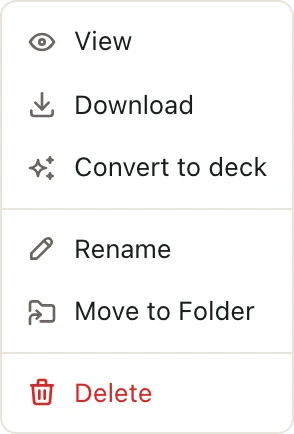
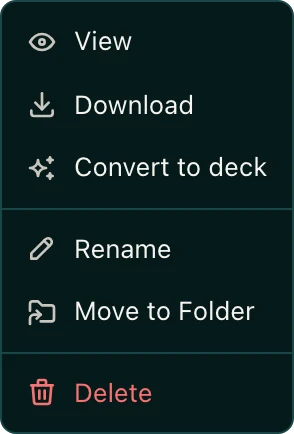
The menu shows Converting to deck while it works. When it's done, choose Open deck from the same menu. The original file stays in the space.
Teach Pitchcrow your house style
Convert your firm's past decks inside the Templates space, or any other space for Everyone at your firm. Pitchcrow studies decks in those spaces to match your layouts, fonts, and colors when it builds something new.
Good to know
If the conversion fails, open the menu again and choose Retry conversion.