

Spaces
Add people to a space
Give teammates access to a space and choose what they can do there.
-
Click Documents in the left sidebar.
-
Right-click the space and choose Share.
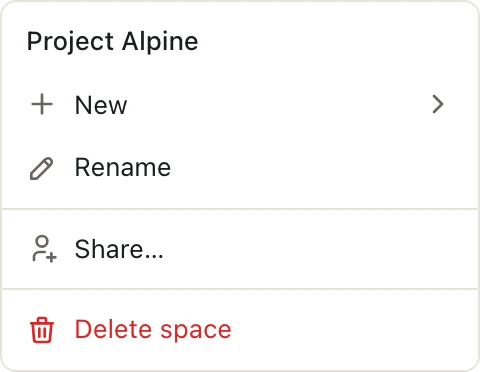
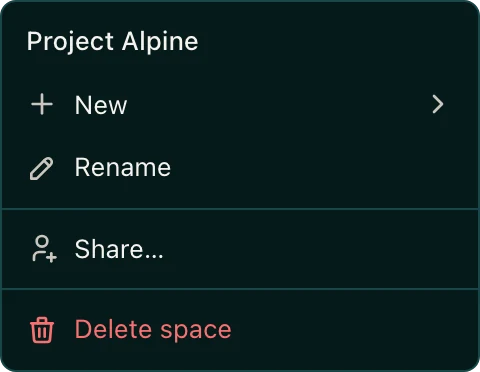
-
Type a name or email in the Add people by name or email box and pick the person.
-
Choose their role: Admin, Editor, or Viewer. See Space roles.
They can open the space right away.
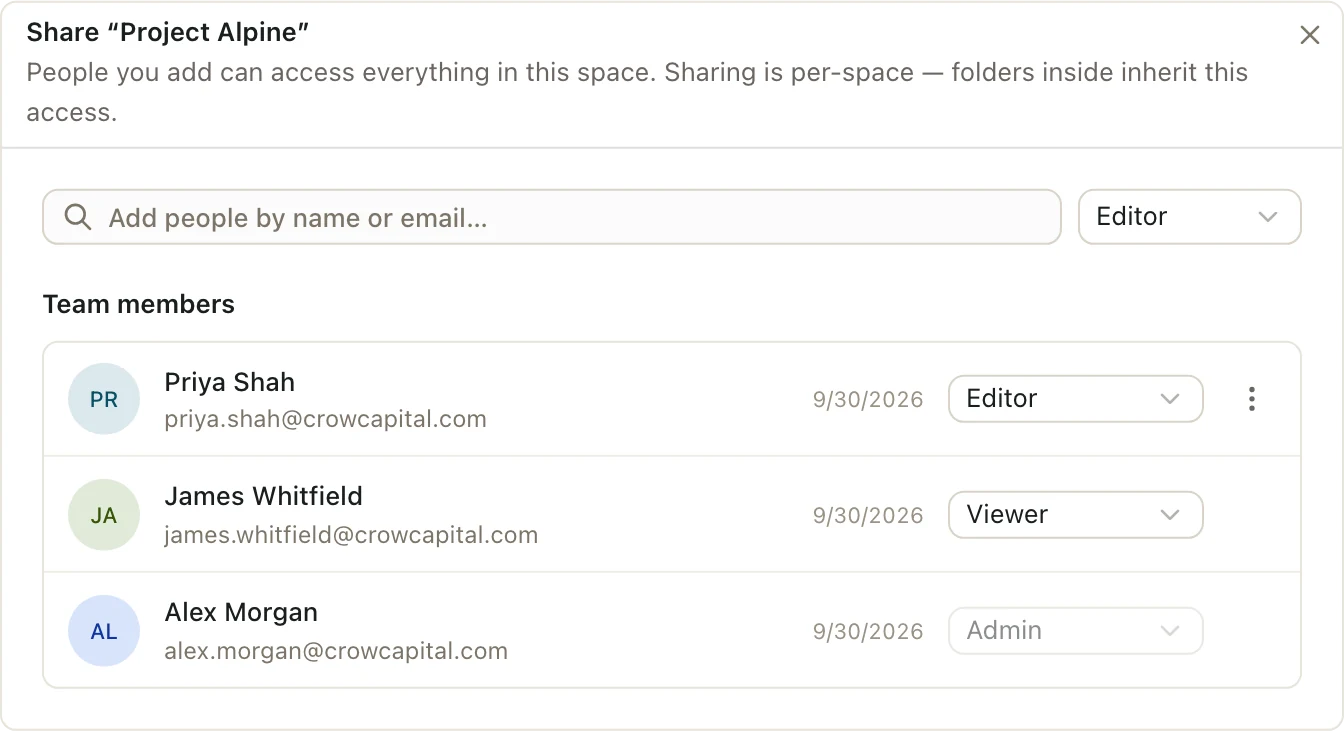
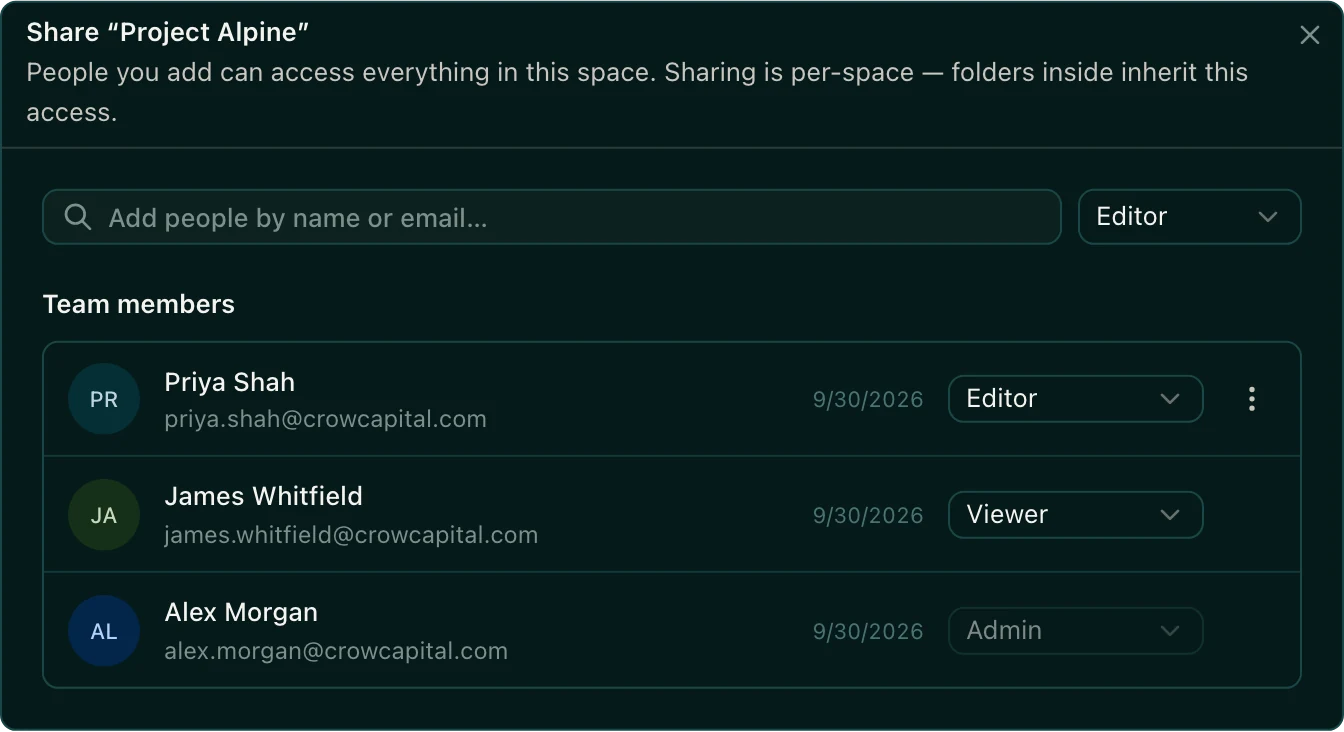
Change someone's role or remove them
Open Share again. Under Team members, change the role next to their name. To remove someone, click More actions next to their name, then Remove. They lose access right away, even if they have a deck or sheet open.
Good to know
- Only space Admins see Share.
- You can only add people who are already in your organization. To add someone new, invite them to your organization first.
- A space always needs at least one Admin, so you can't remove the last one.
- Spaces for Everyone at your firm don't have a member list. Everyone in your organization can already open them.